
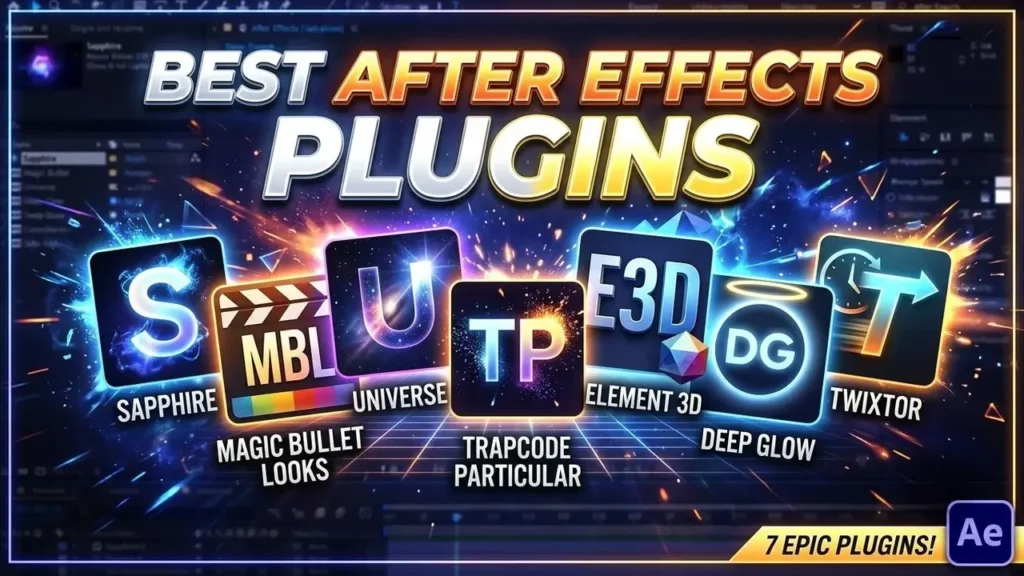
Adobe After Effects is a strong tool for the tasks of video editing, motion graphics, visual effects, and compositing; nevertheless, the appropriate plugins can make the editing process simpler and provide you with more creative possibilities.
Plugins can be used for sharpening and colour grading as well as for particles, 3D graphics, glow effects, and slow motion.
The following guide examines 7 helpful After Effects plugins for video editors and explains the functions of each one.
What are After Effects plugins?
After Effects plugins are extra tools which extend the range of features available in Adobe After Effects.
They are able to include new effects and controls for various kinds of editing and visual effects work.
Depending on the plugin, you can use them for:
- Visual effects
- Color grading
- Sharpening
- Glow effects
- Particle effects
- 3D graphics
- Slow-motion effects
- Transitions and animation
Plugins are useful for saving time since it isn’t necessary for you to create all complex effects from scratch every time.
What are After Effects Plugins used for?
It’s not necessary to use plugins for each project, but they do come in useful if you want more control or need to produce a particular effect.
A good plugin can help you:
- Speed up your editing workflow
- Create effects more easily
- Improve the appearance of your footage
- Add professional-looking visual effects
- Create unique styles
- Experiment with different effects
- Save time on repetitive work
It does not follow that employing more plugins will automatically result in a better edit. What matters is knowing when and how to use them.
1) Sapphire
Boris FX Sapphire consists of a number of visual effects and plugins which are used with Adobe After Effects.
Sapphire offers a wide variety of effects for use with glows, lighting, blurs, distortions, transitions, and all other creative effects.
Editors who are producing cinematic edits, gaming edits, music videos, motion graphics, and visual effects can find it useful.
S_Sharpen
Sapphire includes a useful feature known as S_Sharpen.
S_Sharpen can be applied in the case where the footage appears only slightly soft and you want to increase the definition of certain details.
I include S_Sharpen as a finishing step in my own workflow; having enhanced the footage with Topaz Video AI and then applied my CC presets in After Effects, I can use S_Sharpen to add extra sharpness if required.
What you shouldn’t do is sharpen the tool too much, since this can cause the edges to appear harsh and may lead to the appearance of unwanted artifacts.
2) Magic Bullet Looks
Magic Bullet Looks is a useful tool for editors who wish to have greater control over the colour and general style of their footage.
It offers a variety of tools for achieving a cinematic and creative appearance without the need to make each adjustment by hand.
It can be useful for:
- Color grading
- Contrast adjustments
- Cinematic looks
- Creative color effects
- Stylized edits
Magic Bullet Looks can be a helpful item to include in your After Effects workflow if you want to give your footage a certain mood or visual style.
3) Universe

The Boris FX Continuum Universe offers a range of effects and tools for use in creative video editing and motion graphics.
It offers a variety of effects which can be used for stylization, glows, achieving a retro appearance, transitions, distortions, and for text effects.
The universe can be of use to editors who are involved in creating social media content, gaming edits, music videos, or other types of projects that involve creative visual effects.
Rather than setting up each effect individually, you can use the tools that are available and then adjust them to fit your project.
4) Trapcode Particular
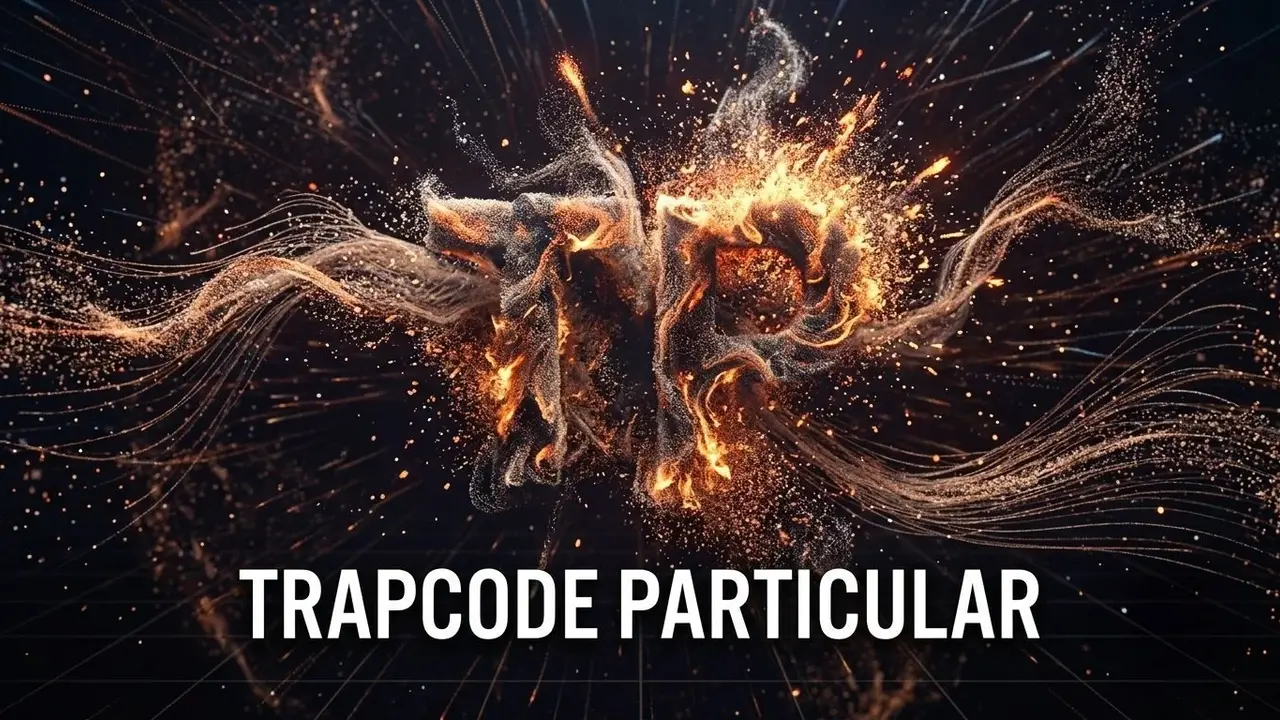
Trapcode Particular is a particle system for Adobe After Effects.
It can be used to create and control different particle-based effects, including:
- Smoke
- Dust
- Sparks
- Energy effects
- Abstract backgrounds
- Particle transitions
It is particularly useful for use in motion graphics and visual effects when animated particles are required.
It also enables you to control various aspects of the particle system, so that you can produce different styles and appearances for your project.
5) Element 3D
Element 3D is a plugin which is intended for working with 3D objects in After Effects.
It can be useful for creating:
- 3D text
- Logos
- 3D titles
- Product animations
- Motion graphics
- 3D visual effects
Element 3D can serve as a helpful tool for editors who are working with 3D elements yet wish to carry out their workflow within After Effects.
It can likewise be employed in the creation of animated three-dimensional titles and objects for intros, outros, and other motion graphics projects.
6) Deep Glow
Deep Glow is a plugin which is intended for producing glow effects in After Effects.
Glow effects are commonly used in:
- Cinematic edits
- Gaming edits
- Neon effects
- Motion graphics
- Text animations
- Energy effects
A glow can be used to make some elements stand out and can also contribute to the atmosphere of an edit.
It is necessary to use glow with care, since excessive glow can make an edit appear to have been over-processed and it is important therefore to adjust the intensity to match that of the footage.
7) Twixtor
Twixtor is usually used for slow motion and for retiming videos.
It is useful if you want to slow down the footage so that the motion looks smoother.
Some common uses include:
- Slow-motion edits
- Gaming edits
- Sports videos
- Cinematic sequences
- Music videos
The quality of the final product is determined by the original film and its frame rate, and the more frames the footage has, the more information it generally offers for producing slow-motion effects.
Twixtor is particularly useful to editors who are making fast-paced edits and wish to produce smooth slow-motion sequences.
How to Choose the Right After Effects Plugin
You needn’t install all the available plugins since the best option will vary according to the kind of editing you carry out.
For Sharpening
Sapphire S_Sharpen is useful in cases where you need extra sharpness and definition.
For Color Grading
Magic Bullet Looks can be used to produce various colour styles and cinematic effects.
For Creative Effects
The universe offers various effects relating to stylization, transitions, distortion, and so on.
For Particle Effects
Trapcode Particular can be used for generating particle-based visual effects.
For 3D Graphics
Element 3D can be used to create 3D text, logos, and other 3D objects.
For Glow Effects
Deep Glow can be used to produce glow effects for use in cinematic projects, in gaming, and in motion graphics.
For Slow Motion
Twixtor can be used to produce slow-motion and retiming effects.
Do you need plugins in order to carry out good edits?
By no means can you make excellent edits by using the tools that are built into Adobe After Effects.
Plugins are extra tools which can make some tasks easier or offer effects that would otherwise take longer to create by hand.
Good editing still depends on things like:
- Timing
- Clip selection
- Storytelling
- Color
- Motion
- Sound design
- Creativity
A plugin won’t be able to make a edit professional since the outcome is determined by the way you use the tools and by how well they suit your project.
Tips for Using After Effects Plugins
Don’t Overuse Effects
Putting in a large number of effects on each clip can cause the editing to appear messy. It is only worthwhile to use plugins when they actually enhance the footage or assist in obtaining the style you desire.
Learn After Effects Basics
The built-in tools in After Effects are easier to control and customize through the use of plugin effects.
Adjust Presets
Presets may help save time, but it’s not advisable to use them without making some adjustments; you should alter the settings to suit your footage and editing style.
Keep Your Plugins Organized
There is no need for hundreds of plugins; you should keep only those tools that you use regularly if you are to maintain a simple workflow.
Check Your Performance
Certain effects can put a strain on your computer. When the preview becomes slow, you can temporarily switch off the heavy effects while editing and then re-enable them before the final render.
Final Thoughts
Using the right After Effects plugins can speed up your editing process and provide you with more creative possibilities.
The Sapphire plugin is used for sharpening, the Magic Bullet plugin for colour grading, Universe for creative effects, Trapcode Particular for particles, Element 3D for 3D graphics, Deep Glow for glow effects, and Twixtor for slow motion, each plugin having its own specific purpose.
It’s not necessary to use every plugin that is available so choose the ones that suit your editing style and take the time to learn how to use them properly.
The plugin that is best doesn’t have to be the one offering the greatest number of effects; it should be the one which helps to solve a problem in your workflow and enables you to produce better results more efficiently.
Looking for more video editing tips, CC Preset guides, and Quality Enhancement Tutorials? Explore our Blog for additional resources and workflows.